The watch asks, the phone answers
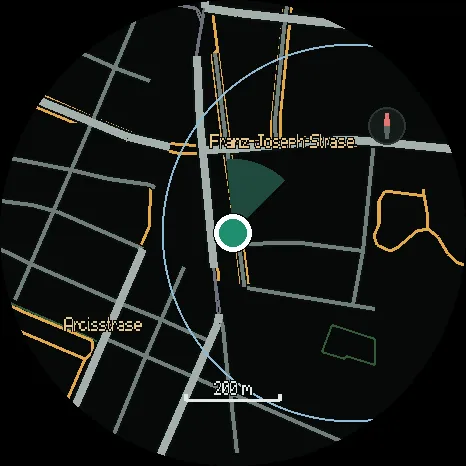
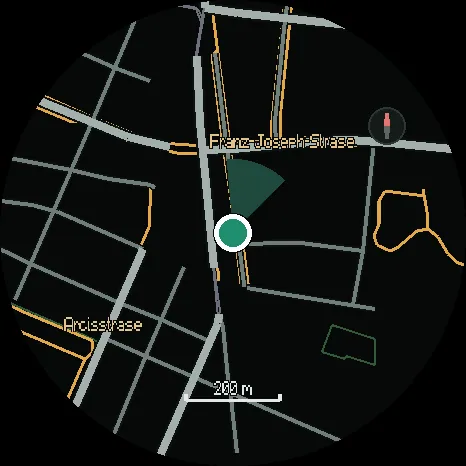
How the map reaches your Huawei watch: the watch asks for the pieces it needs, nearest first, and the phone builds each one for your watch model.
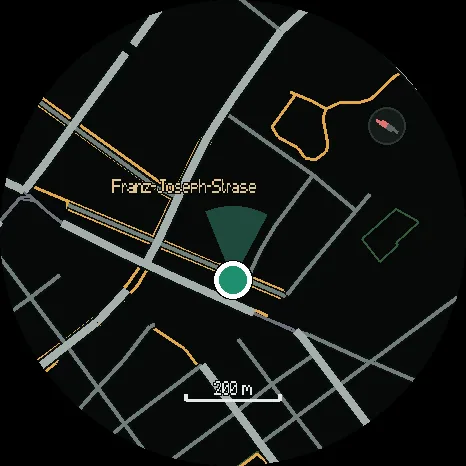
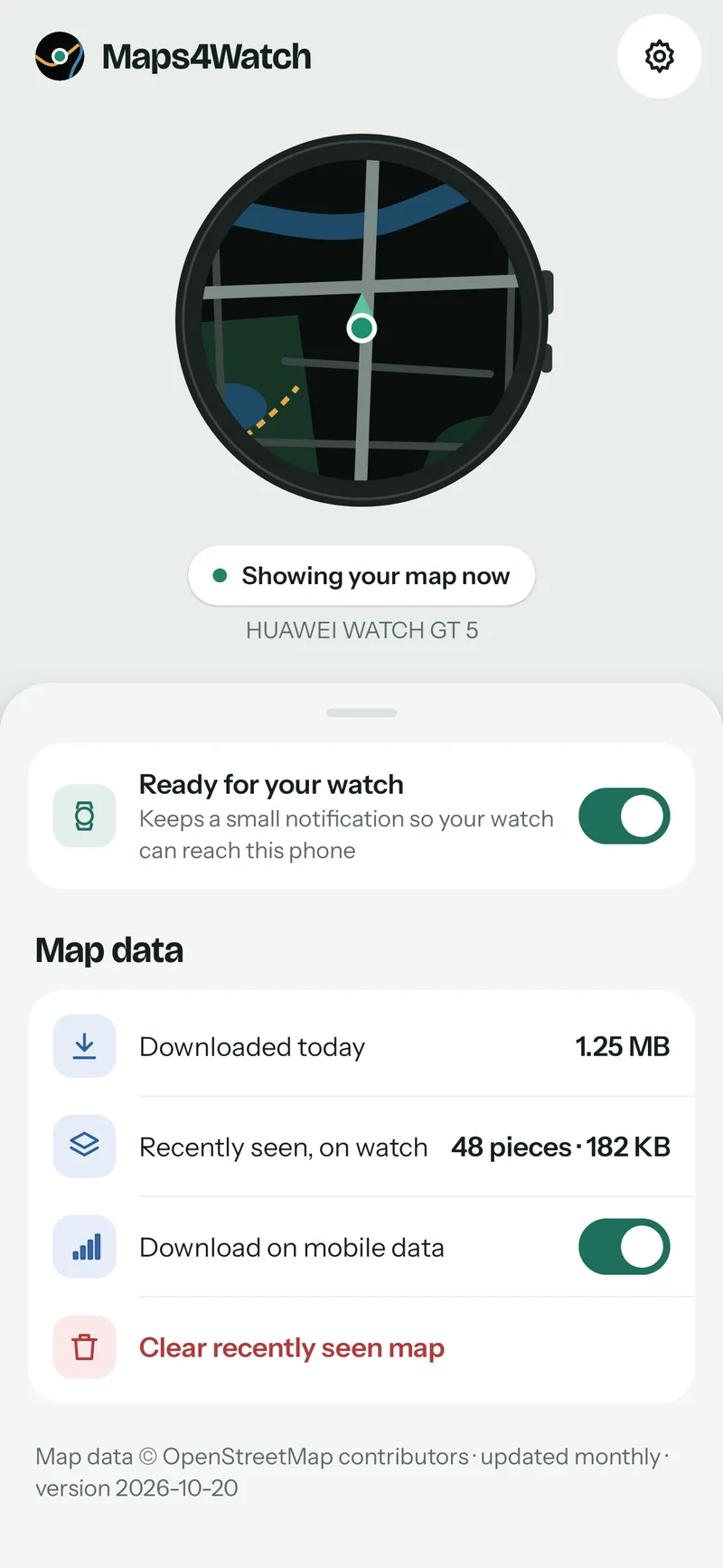
There is no Maps4Watch server. There is a map of the whole planet, stored as one large file, and there are your phone and your watch. Everything else happens between those three.
The watch asks
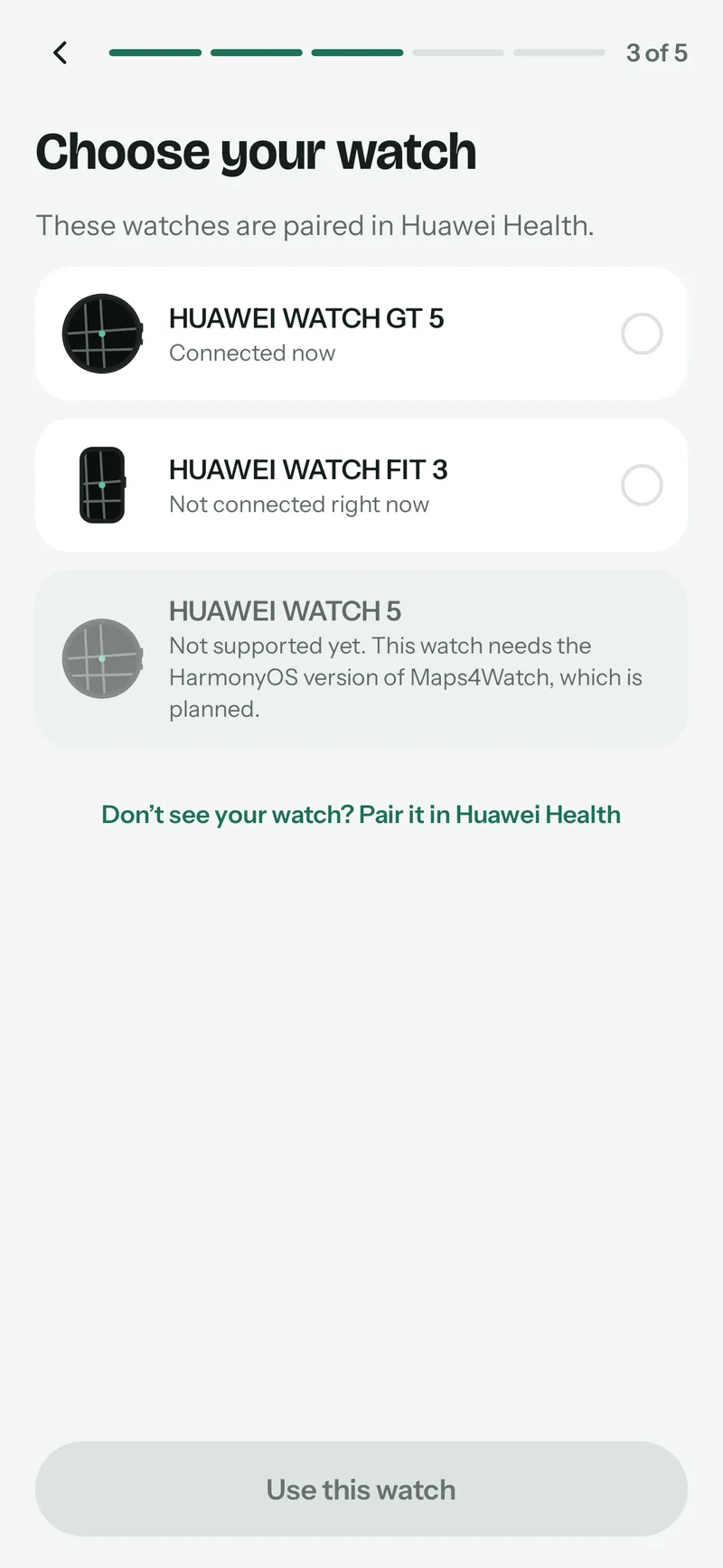
When you open Maps4Watch on the watch, it tells the phone which watch it is. Then it asks for the pieces of map around your position, by their place on the map, nearest first. As you move, it also asks for the pieces just ahead in the direction you are going, so the map is usually there before you are.
The phone answers
The phone reads just those pieces from the planet file, a few kilobytes at a time, never the whole thing. It then builds each piece for your watch model: the screen size, the memory, how much the watch can draw at once. A piece built for one watch is kept on the phone, so going back to the same place costs no data.
The watch keeps
The watch checks every piece it receives before it stores it, and draws only pieces that pass. It keeps the most recent ones within a fixed amount of its storage, and lets the oldest go when it needs room. Pieces from an area you saved are never let go.
Why only while the app is open
Huawei’s watch platform passes data between a phone app and a watch app only while the watch app is open. For a map that is exactly when it is needed. When you close it, GPS, the screen and every timer on the watch stop, so the rest of the time Maps4Watch costs your battery nothing.
What the network sees
Only map requests: which pieces of the planet file the phone asked for. Your position goes from the phone to the watch, while the watch has no GPS fix of its own, and nowhere else. There is no account, and there are no analytics.
Coming soonto Google Play for your phone and Huawei AppGallery for your watch